




Synchronizing Resources for Business Flow.

Business visibility for clearer productivity flow.

HRforIT gives business owners, HR teams, IT teams, and managers a practical view of digital work patterns, process gaps, and productivity signals so decisions are based on transparent reporting instead of assumptions.

No credit card required.

  • Productivity overview for digital and remote work environments
  • Process insight that highlights bottlenecks and improvement opportunities
  • Supportive accountability through clear, transparent reporting

Used by operational teams

HRforIT is being used by teams across support, telecoms, assistance, mobility, automation, and engineering.

PBSA logo
Carrier Select Telecoms logo
Europ Assistance logo
Automobile Association of South Africa logo
Micro Motor Engineering logo
VNQ Systems logo
IFSA logo

Why HRforIT exists

Digital work is harder to manage when the picture is scattered.

Modern teams work across applications, locations, support queues, calls, and digital workflows. HRforIT brings those signals into a clearer operating view so leaders can understand flow, capacity, and process friction without relying on guesswork.

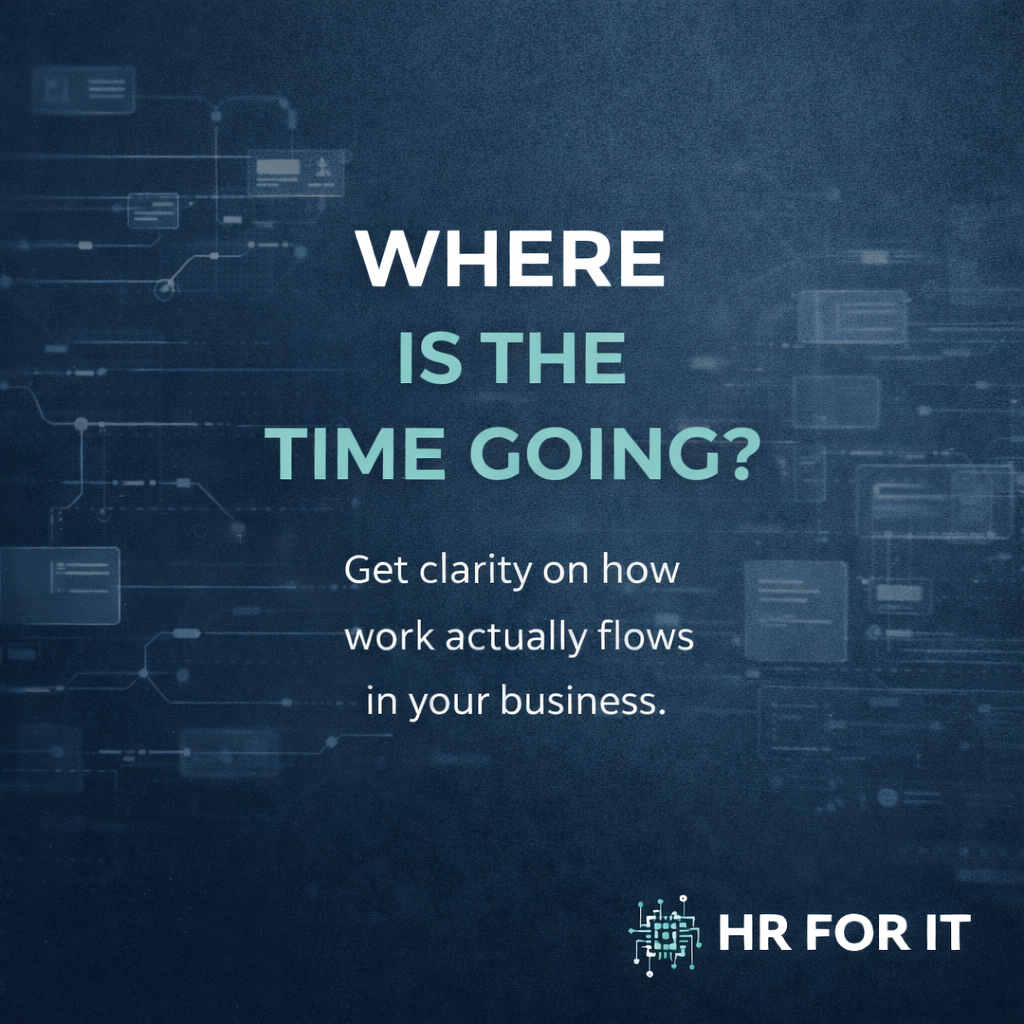
HRforIT campaign visual asking where time is going and emphasizing clarity around work flow.

Operational focus

See the work patterns that affect flow, capacity, and team support.

HRforIT helps management teams identify where time is being spent, where processes slow down, and where teams may need better support. The goal is not suspicion. The goal is clarity, accountability, and better business rhythm.


What the product brings together

  • Work-time overview for digital activity and productive focus
  • Keyword and application context aligned to business processes
  • Transparent reporting that supports fair, evidence-based decisions
  • Support utilities for onboarding, troubleshooting, and responsible review

How HRforIT works

Turn scattered digital work signals into practical management insight.

HRforIT is designed to help teams understand productivity flow, identify attention points, and support better operational conversations.

01

Collect work context

Bring together work-time information, application context, configured keywords, and support events.

02

Organize the view

Convert raw digital activity into reports that managers can read, compare, and discuss.

03

Identify attention points

Surface patterns that may point to bottlenecks, workload strain, training needs, or process gaps.

04

Improve business flow

Use transparent reporting to guide decisions, coaching, support, and operational improvement.

Feature set

Capabilities for visibility, reporting, and team support.

The platform combines productivity overview, workflow context, and support tools in one practical operating layer.

Business visibility

Understand how digital work supports operations across office, hybrid, and remote teams.

Work-time overview

Review productive focus patterns and time distribution through clear reporting.

Keyword and application context

Align rules and categories to the tools, clients, departments, and workflows that matter.

Configured evidence records

Keep review context available where policy, quality, or audit requirements call for it.

Session review context

Use review records to understand incidents, workflow issues, and support requirements.

Remote support access

Assist users and endpoints through a support workflow built for IT teams.

Workflow attention points

Highlight conditions that may need review, coaching, process change, or support.

Transparent reporting

Review productivity patterns, application usage, and workload balance from one dashboard.

Ongoing improvements

Keep pace with regular product updates as new reporting and support features are added.

Support ecosystem

Rollout is backed by documentation and tutorial content, not guesswork.

HRforIT includes practical learning resources for implementation, reporting, settings, and ongoing support, helping teams adopt the platform with less friction.

Getting Started

Introduce teams to the product and the first steps needed to begin using HRforIT.

Work Log Analytics

Help managers interpret digital work records and their reporting context.

Navigating Keyword Rules Templates

Show how rule templates can shape productivity categories and reporting context.

Creating Custom Keyword Alerts

Guide teams through alerting flows for important keyword conditions.

Pro Keyword Tips

Share more advanced practices for refining how keyword-driven visibility works.

Department Keywords

Support teams that need keyword strategies aligned to department-specific work patterns.

Open the live tutorials

Responsible visibility

Built for transparent reporting and supportive management.

HRforIT works best when businesses communicate clearly with teams, configure reporting around legitimate business needs, and use insight to improve flow, support, accountability, and decisions.

What responsible rollout should include

  • Clear internal policy and communication before rollout
  • Reporting categories aligned to real business processes
  • Access limited to appropriate managers and support teams
  • Review conversations focused on facts, context, and improvement

Plan lineup

Pricing for teams that need visibility, reporting, and support.

Choose the plan that matches the level of productivity overview, reporting history, and support capability your business needs.

Essential

Great for small to medium-sized teams.

R175 / user / month

  • 2-Month Data Retention
  • No User Limit
  • Configured Image Records
  • Digital Work Logs
  • Email Reports
Start Free 14-Day Trial

Support Plus

Great for IT support companies that want to support their users.

R45 / endpoint / month

  • Support-Only Plan
  • Remote Support Through Portal
  • No Concurrent Limit
  • One-Click Login
Start Free 14-Day Trial

Pricing should be confirmed before formal quotation or contract issue.

Client feedback

Operational teams use HRforIT to balance visibility, support, security, and wellbeing.

Customer feedback consistently points to clearer workload visibility, better reporting, smoother support, and more useful productivity conversations.

Cell C / Showdown

Remote visibility and accountability

HRforIT helped create a more transparent operating environment where productivity, accountability, and team conversations could be supported with clearer information.

Visibility into work patterns, application usage, and distributed-team activity made the platform immediately practical for day-to-day management.

Marika Lourens, Cell C

VNQ Systems

Workload and compliance visibility

Implementing HR-for-IT transformed how we manage our workforce. The platform is intuitive, highly customizable, and helped remove compliance headaches while giving us better visibility into daily tasks, workloads, and productive time.

It is important to understand where work time is being spent, not only from a business perspective but from a security perspective as well. The reporting makes that visible.

Heinrich Momberg, Infrastructure Manager

UDM International

Security and accountability perspective

HRForIT has proven to be an invaluable asset, offering comprehensive insight into digital work activity. The detailed reporting context enhanced security protocols and promoted a more responsible and accountable work environment.

What sets the software apart is its customization and the support from Tech-on, which made implementation and ongoing usage smooth.

Brigette van Niekerk, Senior Executive Manager

AA Group

Live operations use case

The platform is useful for reviewing live operational events, understanding workflow errors, and supporting client-facing teams with better context.

It is also a strong coaching tool because users can clearly see points of improvement, and during investigations the platform gives clear directive.

Cosby Masango, Call Taking Team Leader

Abstract HRforIT network illustration representing insights, business visibility, and support.

What repeats across the feedback

Teams value visibility when it improves both operations and people outcomes.

  • Clearer workload visibility and earlier intervention on strain points
  • Better reporting for leadership, coaching, compliance, and investigations
  • Useful operational clarity from both business and security perspectives

Reseller opportunity

Add HRforIT to a managed service, IT support, or productivity advisory offering.

HRforIT can help resellers create recurring value around productivity overview, process insight, transparent reporting, and remote support.

Clear client value

Give clients a practical way to understand business flow, workload patterns, and support needs.

Recurring service fit

Position HRforIT alongside endpoint support, productivity reviews, reporting, and managed IT services.

Supported rollout

Use existing tutorials, documentation, and product guidance to help customers adopt the platform.

Discuss Reseller Options

Demo and information

Watch the current system demo, then request more information when you are ready.

The YouTube demo shows the current HRforIT system in action. For pricing, setup questions, rollout guidance, or reseller discussions, send an email and Jacques will contact you.

More information

  • Email: info@hrforit.co.za
  • Response: Jacques will contact you to discuss the next step.
  • Company: Tech-on Tech-off (Pty) Ltd

Ready to explore HRforIT?

Move from assumptions about digital work to a clearer operating view.